Free
NextTat Sketch
Up to 5 scans / month. Watermarked exports. Designed for trying the pipeline on yourself before bringing it to clients.
$0 / month
The product · NextTat for iPhone
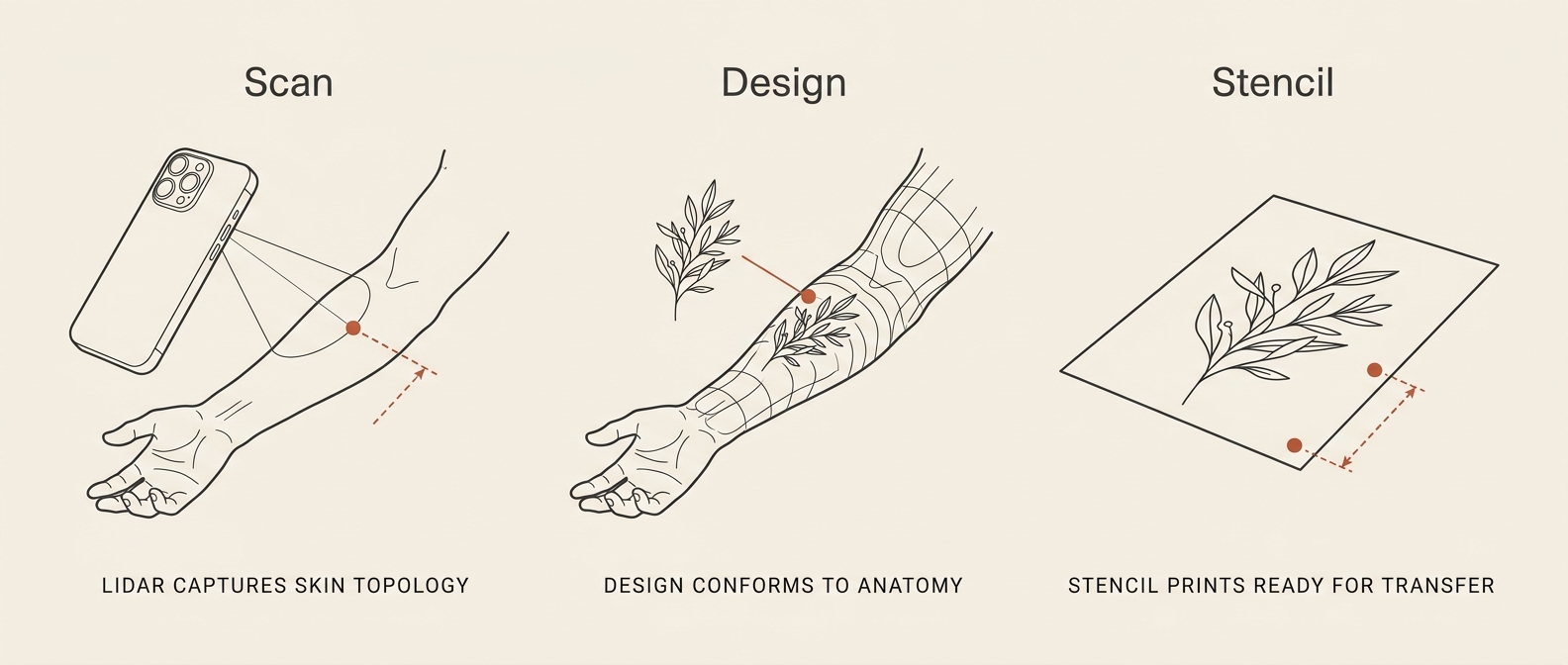
Walk into a consultation with an iPhone. Walk out with a measured 3D scan of the client’s skin, a design sitting on the actual surface, and a preview the client can show their friends. NextTat replaces three apps and four steps with one.
Scan
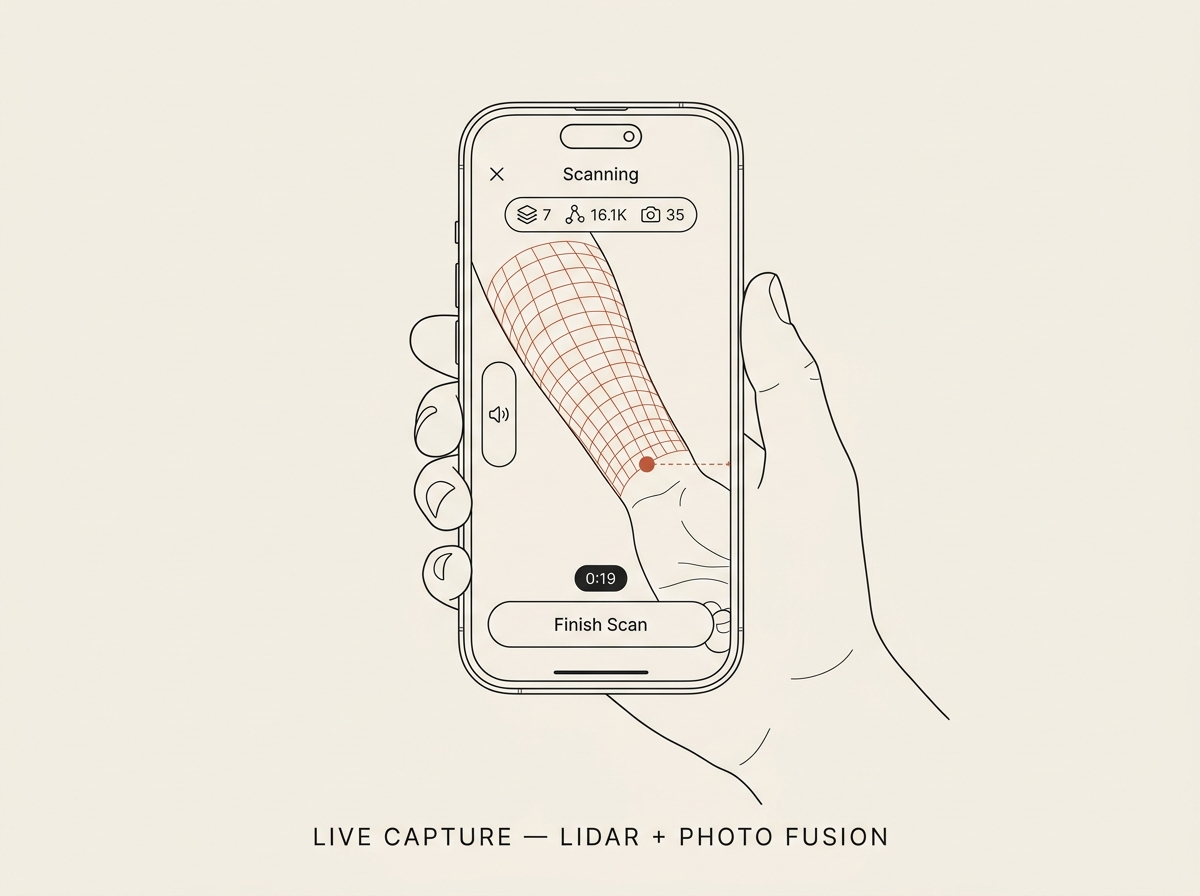
Most apps choose: LiDAR depth for geometry, or photo frames for detail. NextTat fuses both in real time, then hands the combined data to Apple’s Object Capture pipeline for reconstruction. The result is a watertight 3D mesh of the exact body part — close-range accuracy on the order of half a millimeter for cooperative skin under typical studio lighting.
Target accuracy: ±0.5 mm at 30 cm · preview rate: 30 fps
Compose
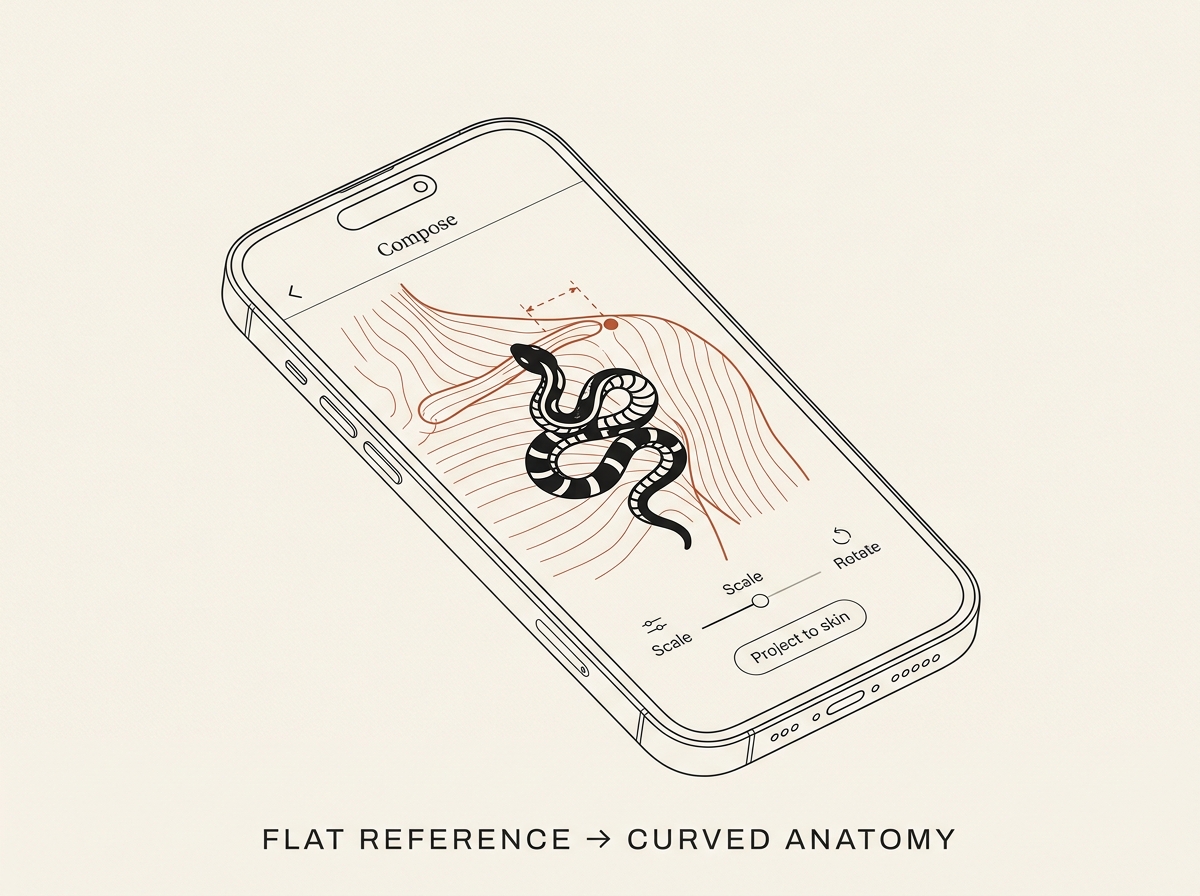
Pull your reference art into the scan and project it onto the actual skin geometry. See how the lines wrap. Where a clavicle interrupts a script. Where a calf swells under the design. Where the line work needs to bias for healing. NextTat shows you what the flat reference can’t.
Import: SVG, PNG, JPG, PSD · layered support for fine-line & micro-realism workflows
Preview
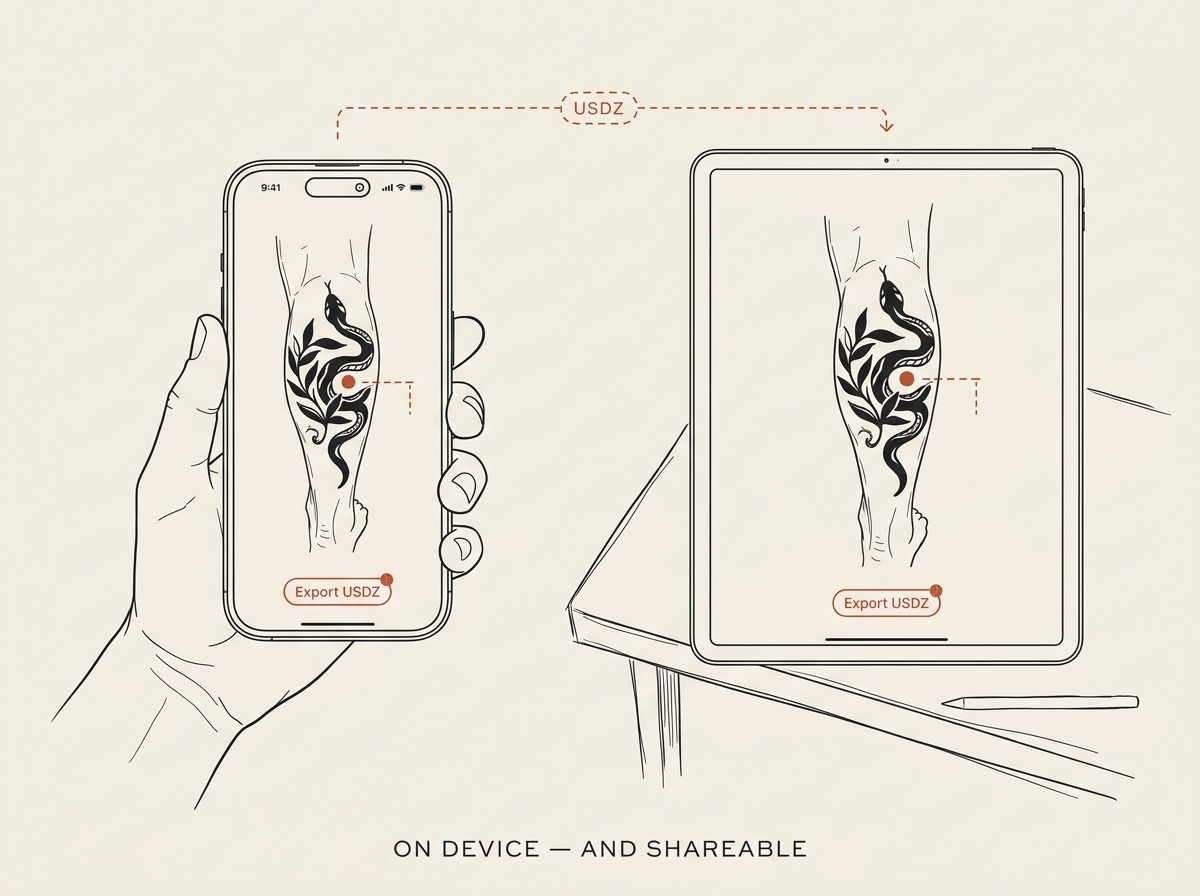
Hand the iPhone to the client. They see the tattoo on their own body, rotating in 3D. No stencil-on-skin leap of faith — just a faithful preview built from their own geometry. Export the preview as USDZ to share, or as a still image for their notes app.
Export: USDZ (primary), OBJ, PNG · share sheet integrated
Compatibility
NextTat requires LiDAR. That means iPhone 12 Pro / 12 Pro Max and any newer Pro model (13 Pro / Pro Max, 14 Pro / Pro Max, 15 Pro / Pro Max, 16 Pro / Pro Max), plus iPad Pro models from 2020 onward. On non-LiDAR devices the app refuses to install rather than degrade silently — you should never wonder whether the scan you just captured is real.
Minimum OS: iOS 17.0, iPadOS 17.0. Apple’s on-device Object Capture API is the engine, so older OS versions can’t run the reconstruction step.
Pricing
Up to 5 scans / month. Watermarked exports. Designed for trying the pipeline on yourself before bringing it to clients.
$0 / month
Unlimited scans. Full-resolution USDZ + OBJ export. Direct integrations with Procreate, Photoshop, and Reality Composer. For independent artists running their own books.
[PRICE] / month · [ANNUAL PRICE] / year
Multi-artist accounts. Shared scan libraries. MDM provisioning. SSO and named support. For multi-chair studios, traveling crews, and shop chains.
Contact sales
All prices in [CURRENCY]. Subscriptions auto-renew until cancelled. See our refund policy and terms of service for full details.
Get it on your device
We’re running closed studio pilots in Seattle through [PILOT WINDOW]. Public TestFlight follows. App Store launch: [LAUNCH WINDOW].